


Polar Go – Streaming audio on social media platforms – Tik Tok/ Instagram/ Facebook/ YouTube
Polar Go
Polar Go – Streaming audio on social media platforms – Tik Tok/ Instagram/ Facebook/ YouTube
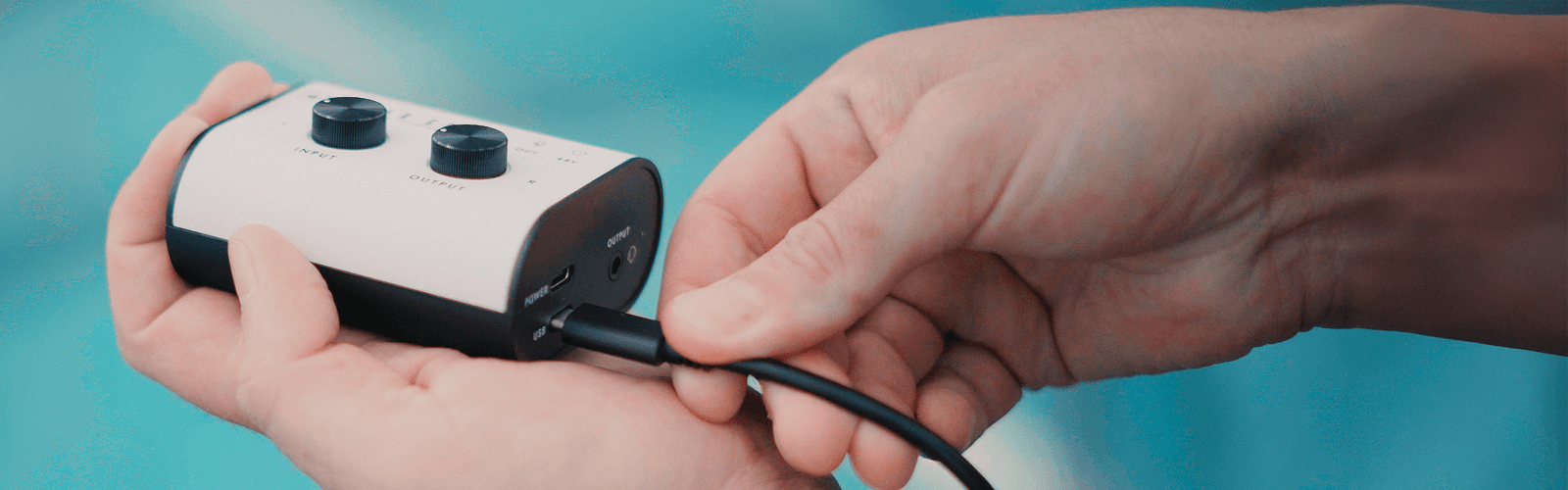
Get Started
This set up will allow streamers to play music from a device such as a laptop/desktop/iPad etc via the Polar GO at the same time as live broadcasting on such platforms as Tik Tok live.
Check list
What you will need
- Polar GO
- Polar GO app
- Aux cable
- 6.35mm (¼”) jack connector
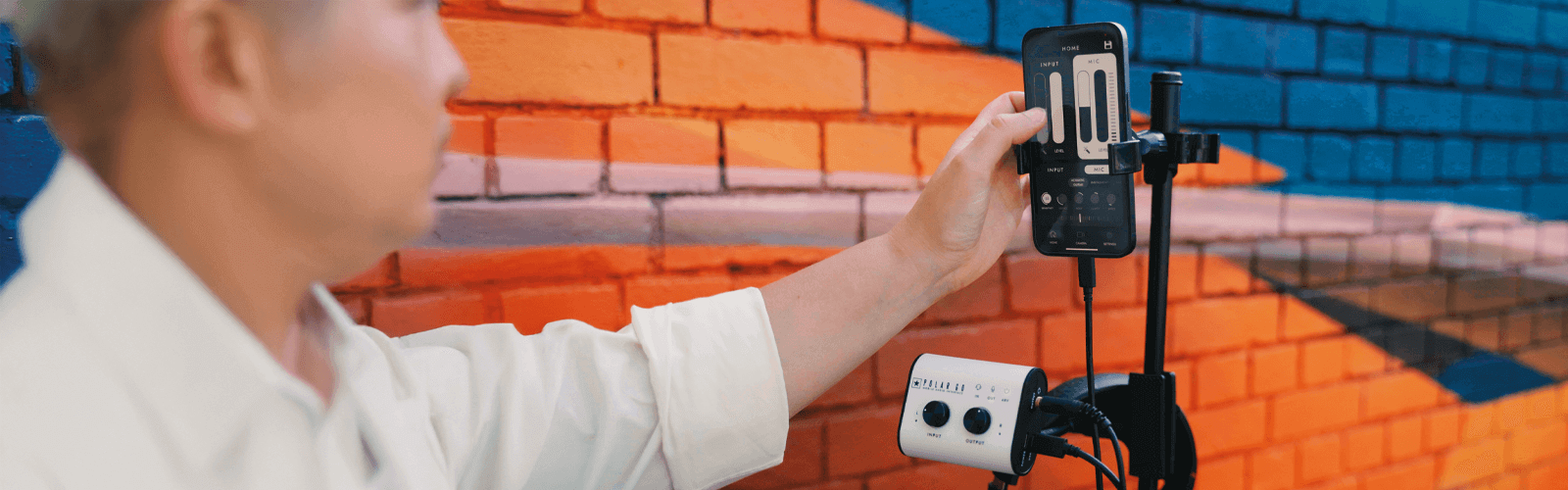
Step By Step
Step 1 – Connect the Polar GO to your device in which you shall be streaming on the social media platform of choice. Within the app, head to settings and select USB-Loop Back.
Step 2 – Connect an aux cable from the device in which you wish to stream music from, into the INPUT of the Polar GO. If using a 3.5mm aux cable, you will need to also use a 6.35mm (¼”) jack connector.
Step 3 – From within the audio settings on your device, you will need to enable playback so that audio is played as mono rather than stereo.
For Mac users – Apple menu – System settings – Accessibility – Audo and then enable “play stereo audio as mono”
For Windows users – Accessibility – Audio – Toggle the mono audio switch to “on”
Step 4 – Test music playback. You will need to increase the volume from within your streaming device so a good level is being sent to the Polar GO. You can then have further control to balance between music and voice/instrument by adjusting the INPUT control on the Polar GO.