


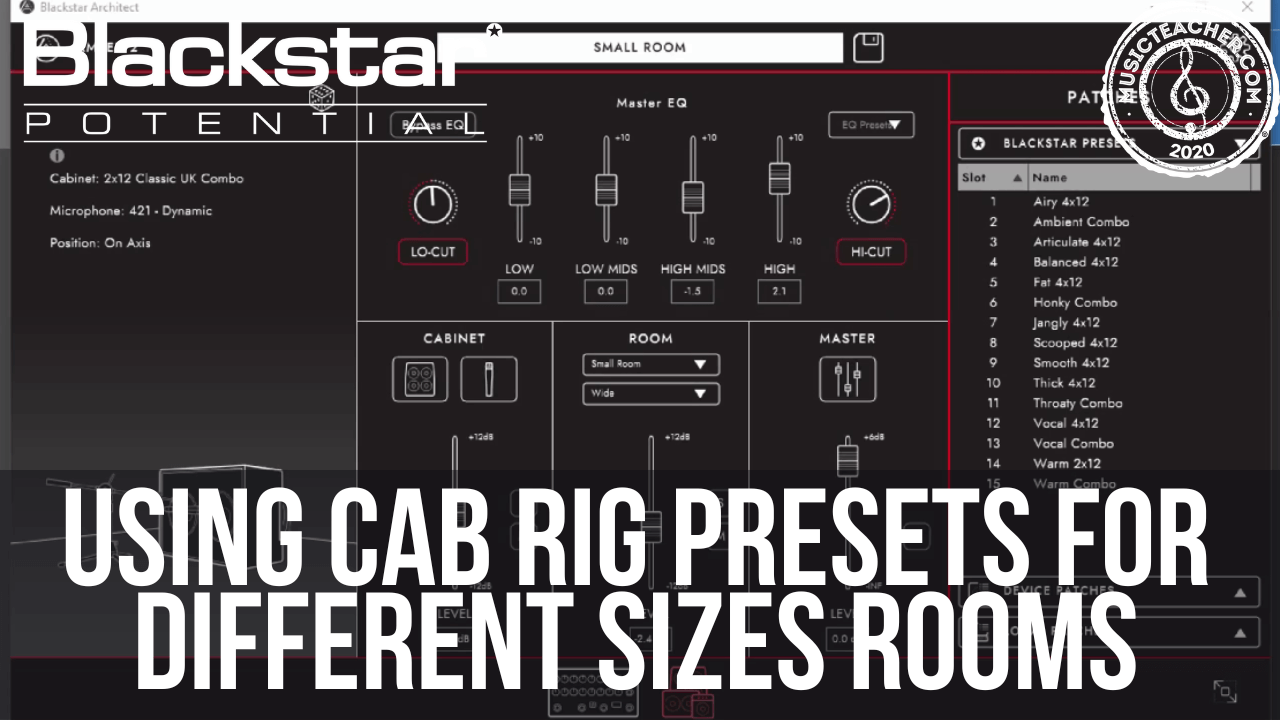
Using CabRig Presets for Different Sized Rooms
If you’re running CabRig to the front of house for your live sound, you can use this cool little trick to ensure your cab sounds are dialed in for every single room you play.
Each of the AMPED units has a 3 position switch by the CabRig output, this allows you to store 3 different presets. You can use each of these presets to store different versions of the same cab, to suit each room you play.
If you’re used to playing in smaller venues, you might choose to add a lot of room sound to your tone to create a sense of space, and the opposite is true if you play large rooms. In a larger room you’ll be more inclined to play with a dry sound because the room itself is already large and creating that sound for you.
Once you’ve got your overall amp tone set, you can open up Architect and create your first cab sound:
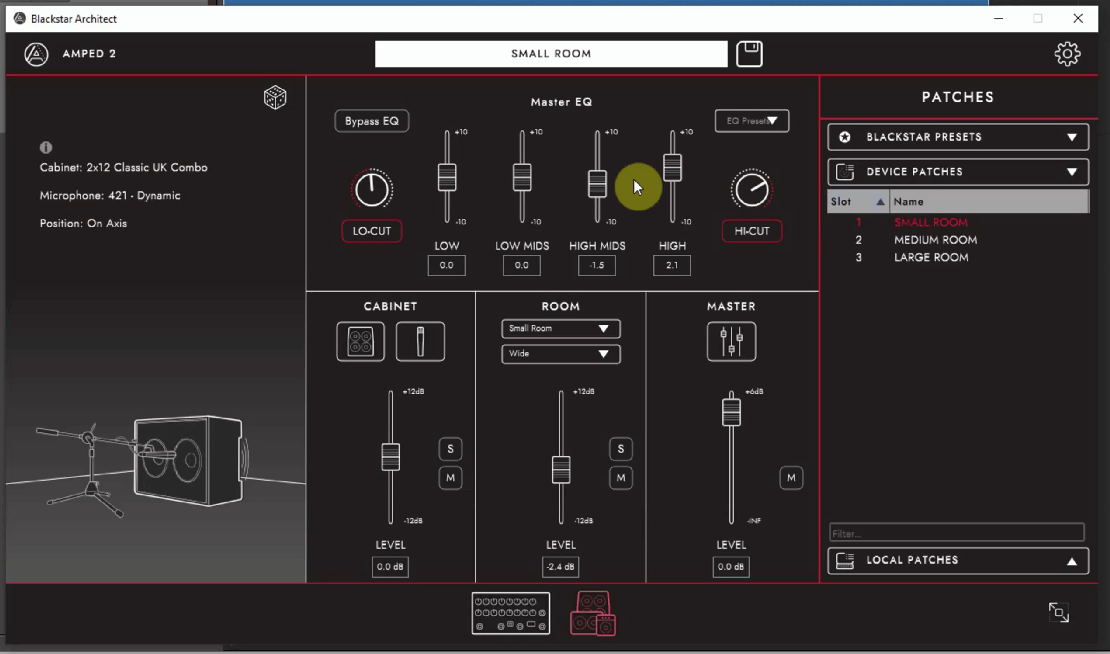
Small Room
The small room preset will be your preset for when you play in large venues. This is more dry than the other presets and is more of a direct, close mic’d tone. This allows the large room you’re actually playing in to be that space, and not your AMPED unit.
In a larger room you won’t need to add any ambient space.
Medium Room
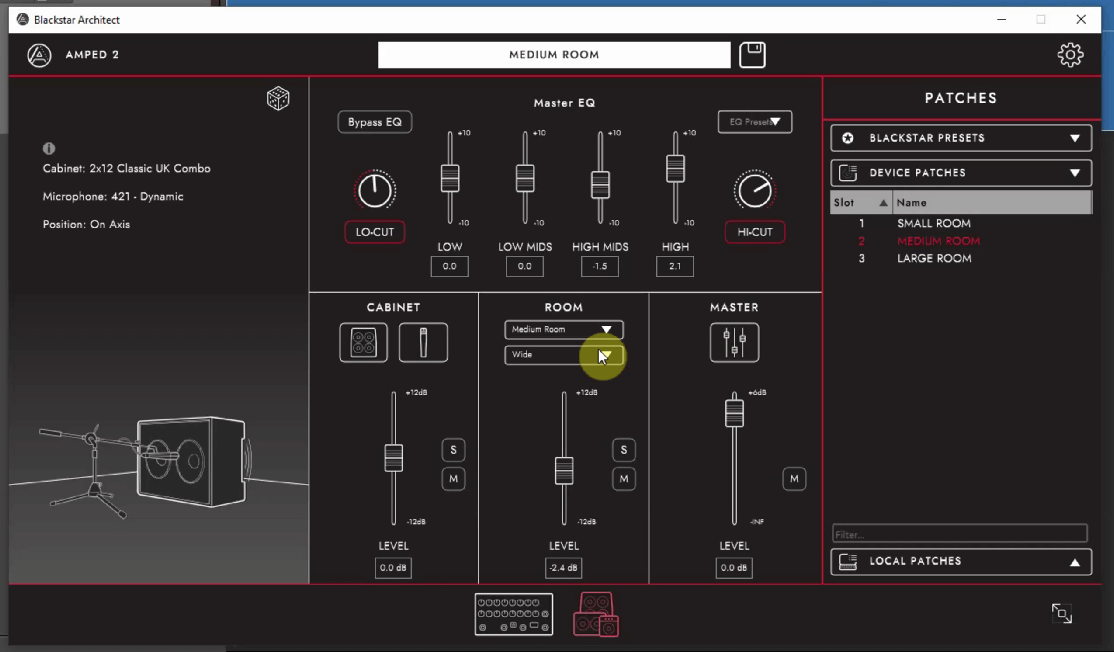
The medium room will probably be your all-rounder preset. This is the best of both worlds where it’s not too dry or too wet sounding. It’ll work pretty well in most spaces you play.
Large Room
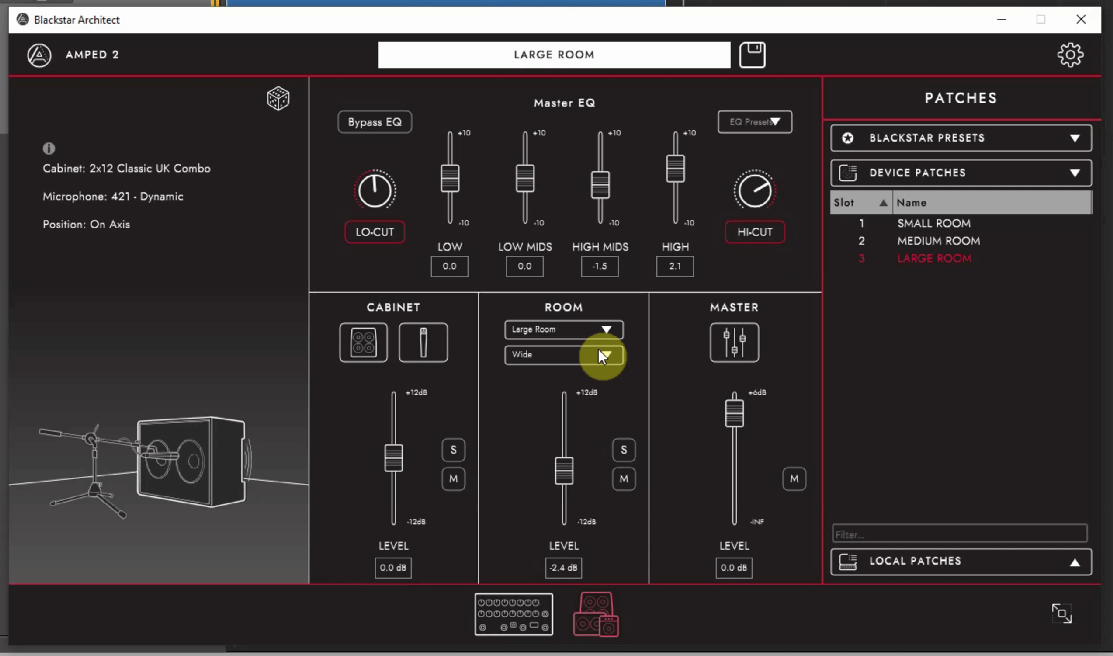
This preset is the largest of the rooms, therefore designed to work best when you play in smaller spaces. This takes your cab sim and puts it into a large virtual space. This space will make your guitar sound like it’s being played in a much larger room, giving you that big venue sound anywhere you go.
Benefits of This Approach
This approach is not only very easy to setup, but it’s very convenient and will prepare your rig for whatever circumstances you might find yourself in. It will make sure that you can get your ideal cab sound anywhere you go.
It also means that if you travel a lot, and you play different size rooms each day, you won’t need to reach for your laptop every show to make tweaks. You simply choose a preset that fits the room you’re in.
————————————————————————-
About the Author
This article on how to CabRig presets for different sized rooms was written by Leigh Fuge. Leigh is a professional guitarist and content creator and also works alongside musicteacher.com to create guitar focused, educational and entertainment content.
If you’re looking for a guitar teacher in your local area, check out their music teacher database to find your local teacher today. Each teacher has their own local page such as Guitar Lessons Newcastle. Find your local teacher today!